

 I'm interested!

All-in-one airport parking lot management, with car rental module and online payment.
Our partners
Airport Parking Hungary


“Professional, easy to use, customizable, and reliable system. Truly the superhero of our parking lot.”


“It makes everyday work easier thanks to its speed and transparency!”


Safe Parking
What is ParkMotion?
Operations management system
A clear, easy-to-use interface to support daily administration and operations, developed in collaboration with our partners.
Integration hub
Connect booking platforms, payment and invoicing systems, manage LPR cameras and LED video wall from a single interface.
Planning
Daily breakdown of arrivals, departures, ordered services, and projected revenues.
Notifications
Automatic emails to customers about their booking, in their preferred language.
Marketing
GTAG and Google Tag Manager support on the booking form and the microsite.
How does it work?
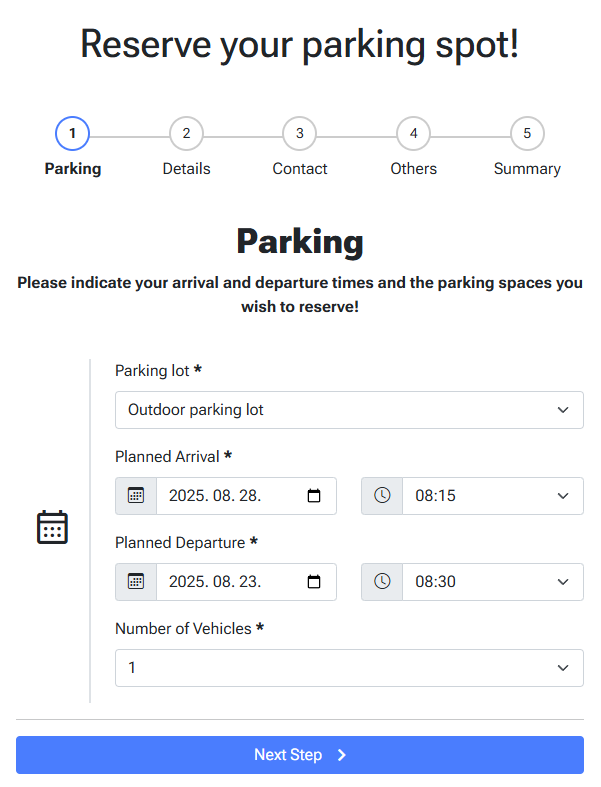
Embedding the reservation widget
The easiest way to start using the system is with ParkMotion's own reservation form (widget), which can be embedded in your website.
The widget's appearance—colors and labels—can be customized. You can set opening hours, selectable parking lots, list of services and prices.
Thanks to the built-in SimplePay payment solution, reservations made via the widget can even be paid online, right after reservation.

Setting up integrations
ParkMotion can also collect reservations from external systems. Connections can be set up with parkvia.com or parklot.pl, but almost any kind of external system can be integrated.
This means ParkMotion can be introduced even without modifying the parking lot's own website.
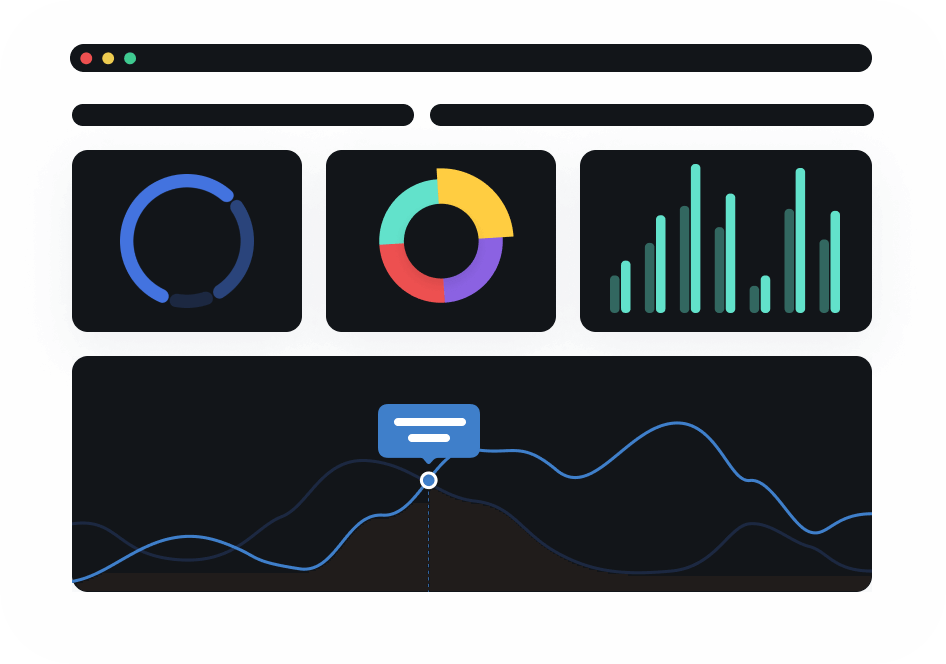
Getting started
After this, all that's left is to register the arrival of clients at the parking lot with a few clicks, then transport passengers to the terminal.
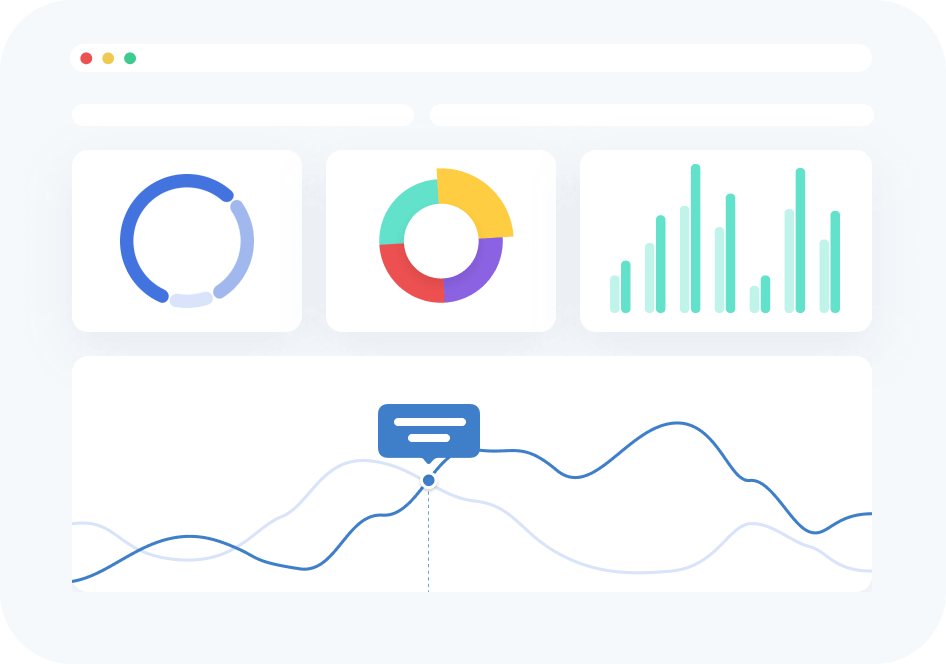
On the ParkMotion interface, you can precisely track the list of planned arrivals and departures, view missed events, and in case of delays, it helps recalculate the parking fee.
ParkMotion is fully customizable
Parking lots
Several types of parking lots can be defined; e.g. open or covered, regular or oversized, 50 or 500 spots.
Prices
Daily list prices can be set separately for each parking lot—calculated per 24 hours started or per calendar day.
Discounts
Frequent flyer discounts, spring promotions, or coupon codes with percentage or fixed amount reductions can be applied.
Services
Cleaning, luggage wrapping, electric car charging, airport car drop-off, or child seat—using various pricing methods.
Users
Each employee logs in with their own password, and all modifications are logged. Only data matching the authorization level is visible.
Emails
Clients can automatically receive emails about events related to their parking. Email content is fully customizable.
LPR camera
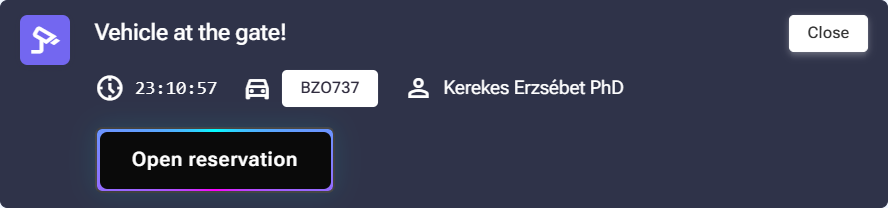
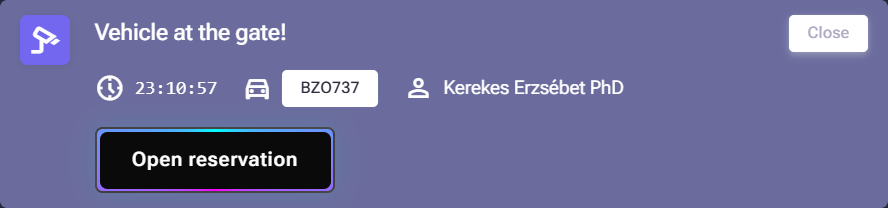
Thanks to our proprietary camera API, license plate recognition cameras (LPR/ANPR) can also be integrated with ParkMotion, enabling automatic entry for arriving customers: it opens the barrier or motorized gate connected to the system and sends a notification to the administration interface.
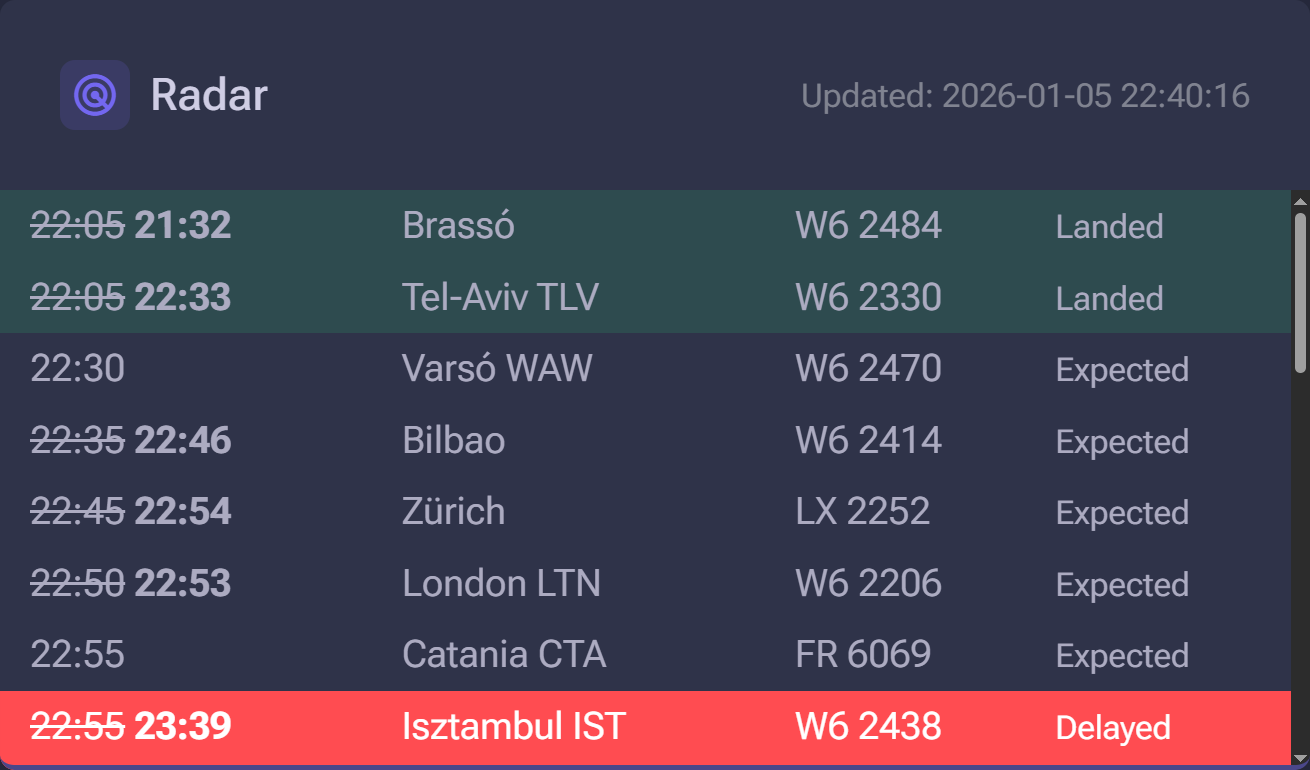
Radar
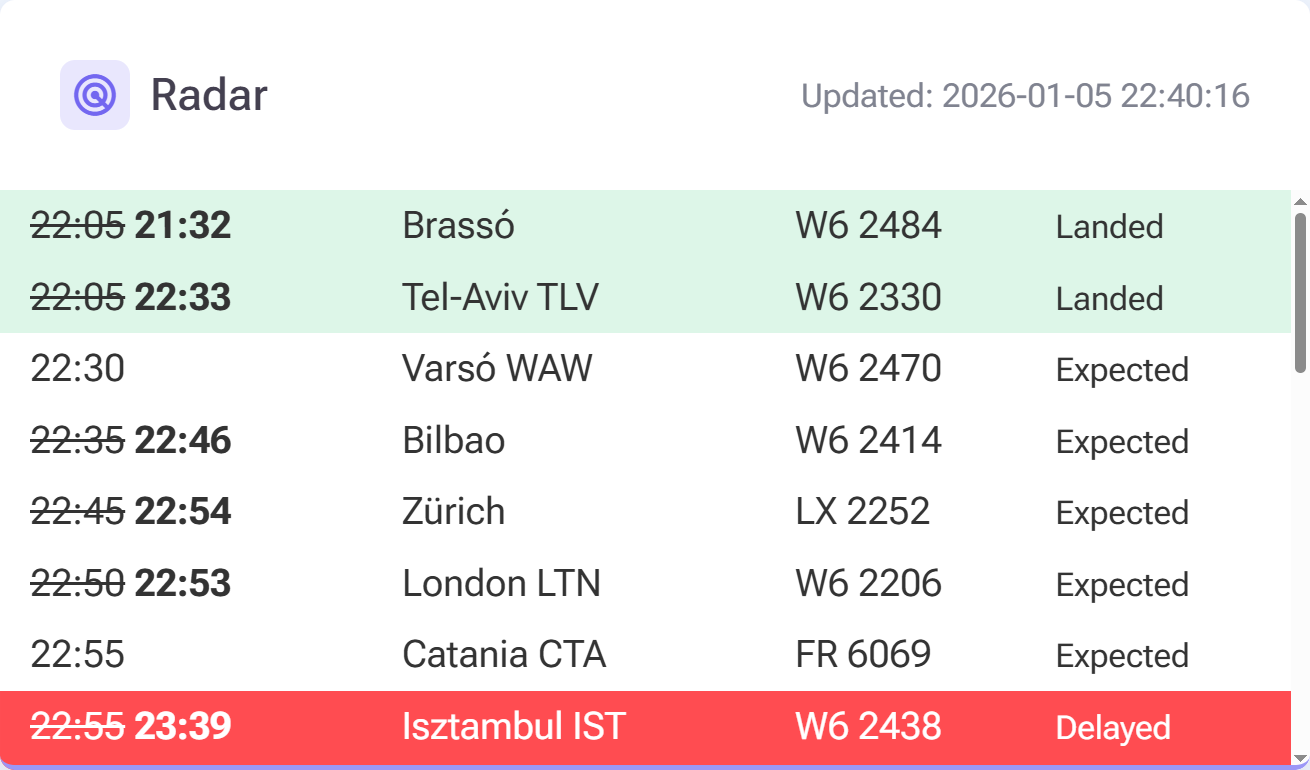
ParkMotion includes a built-in, real-time flight tracker to indicate the expected arrival times of flights. With Radar, organizing transfers for returning passengers becomes simpler and more predictable.
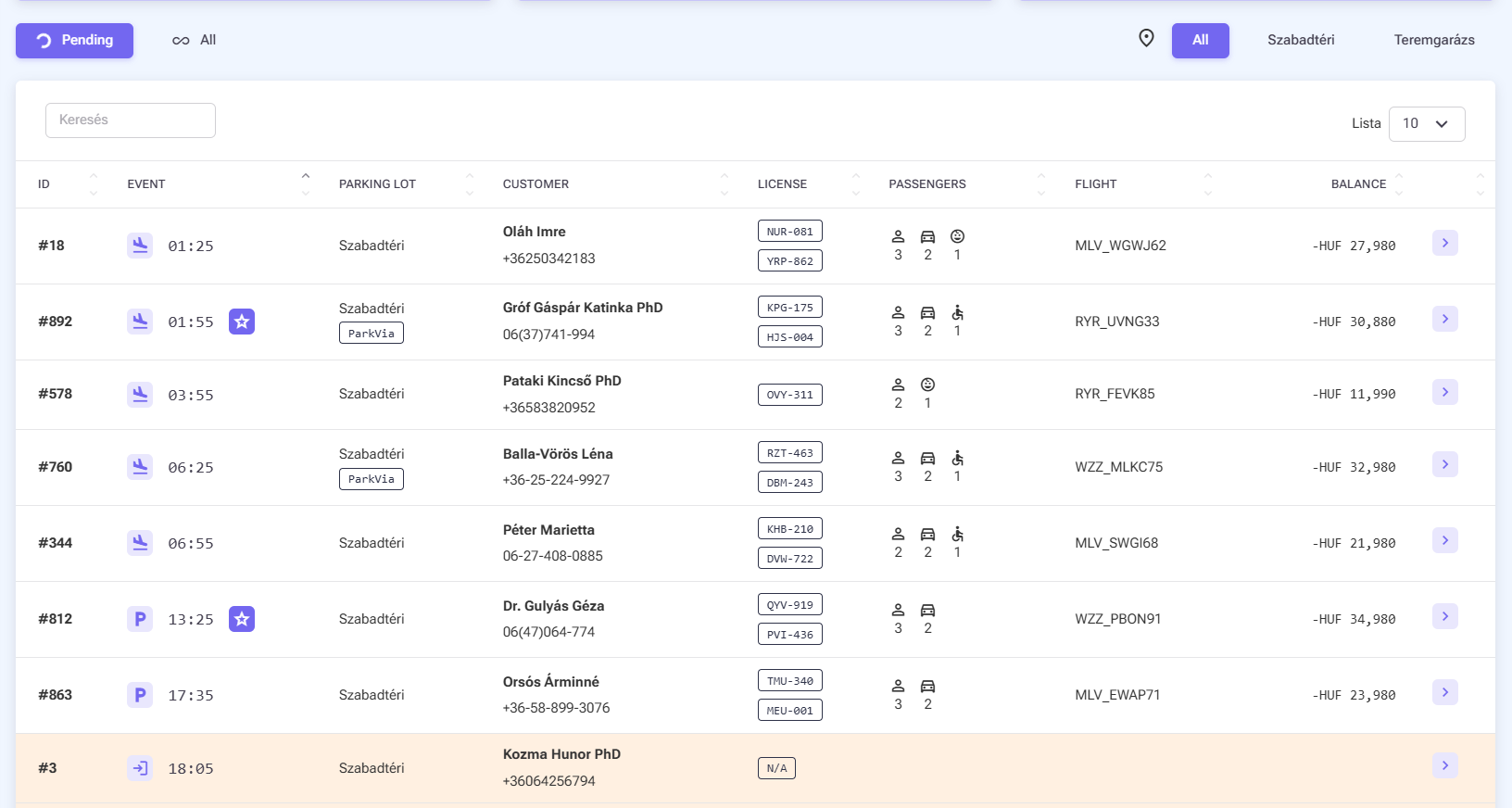
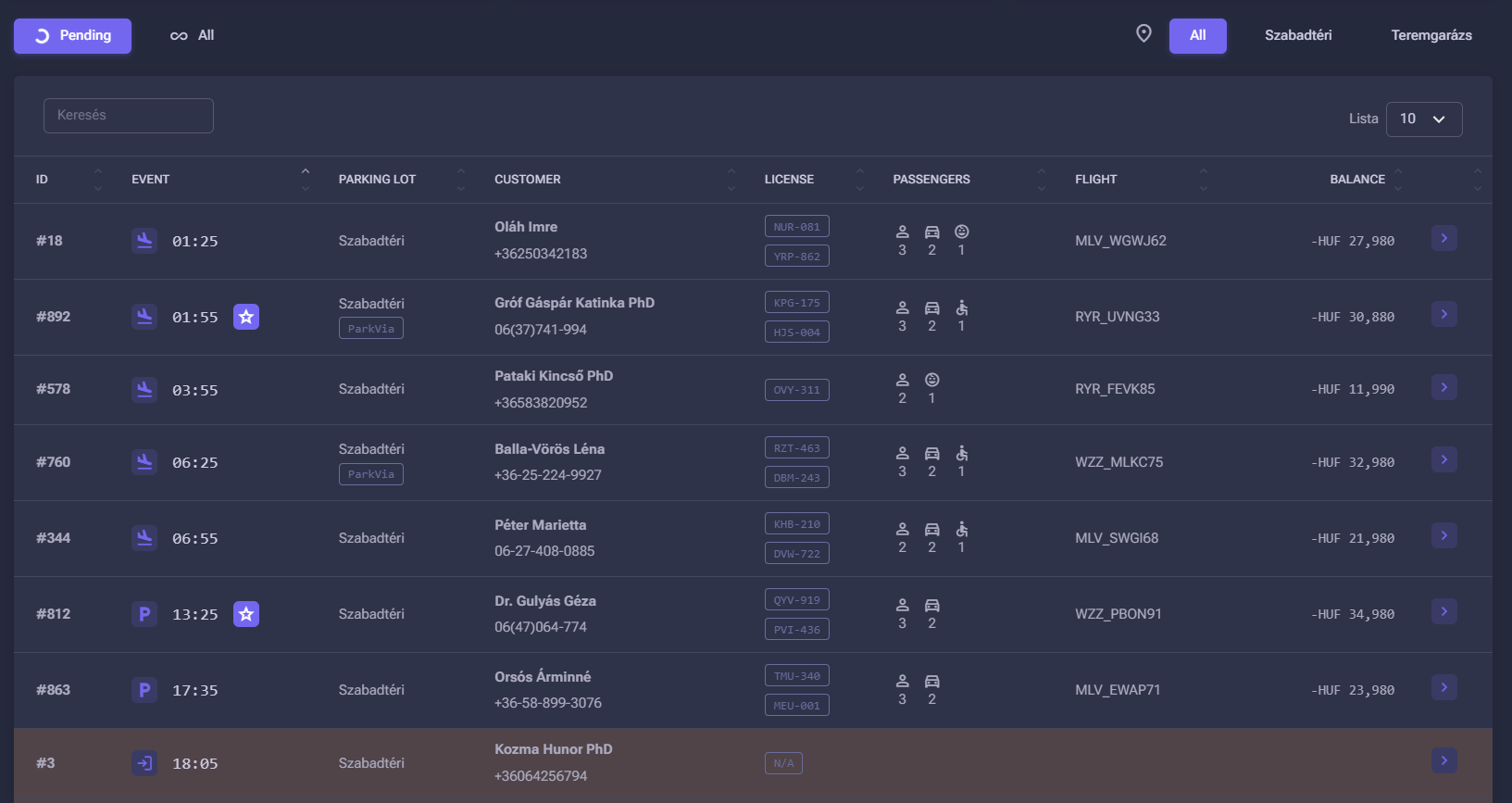
Daily events list
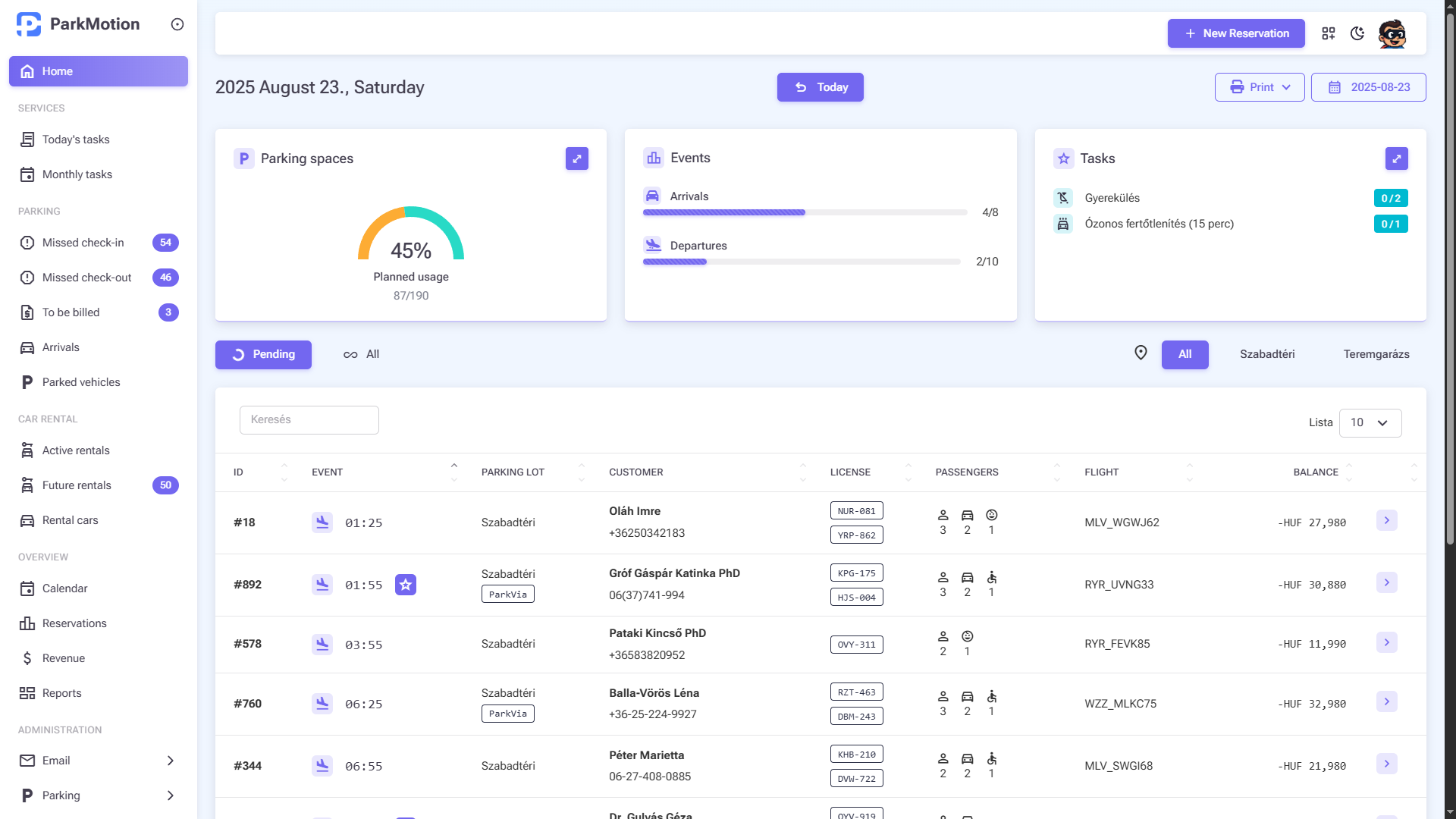
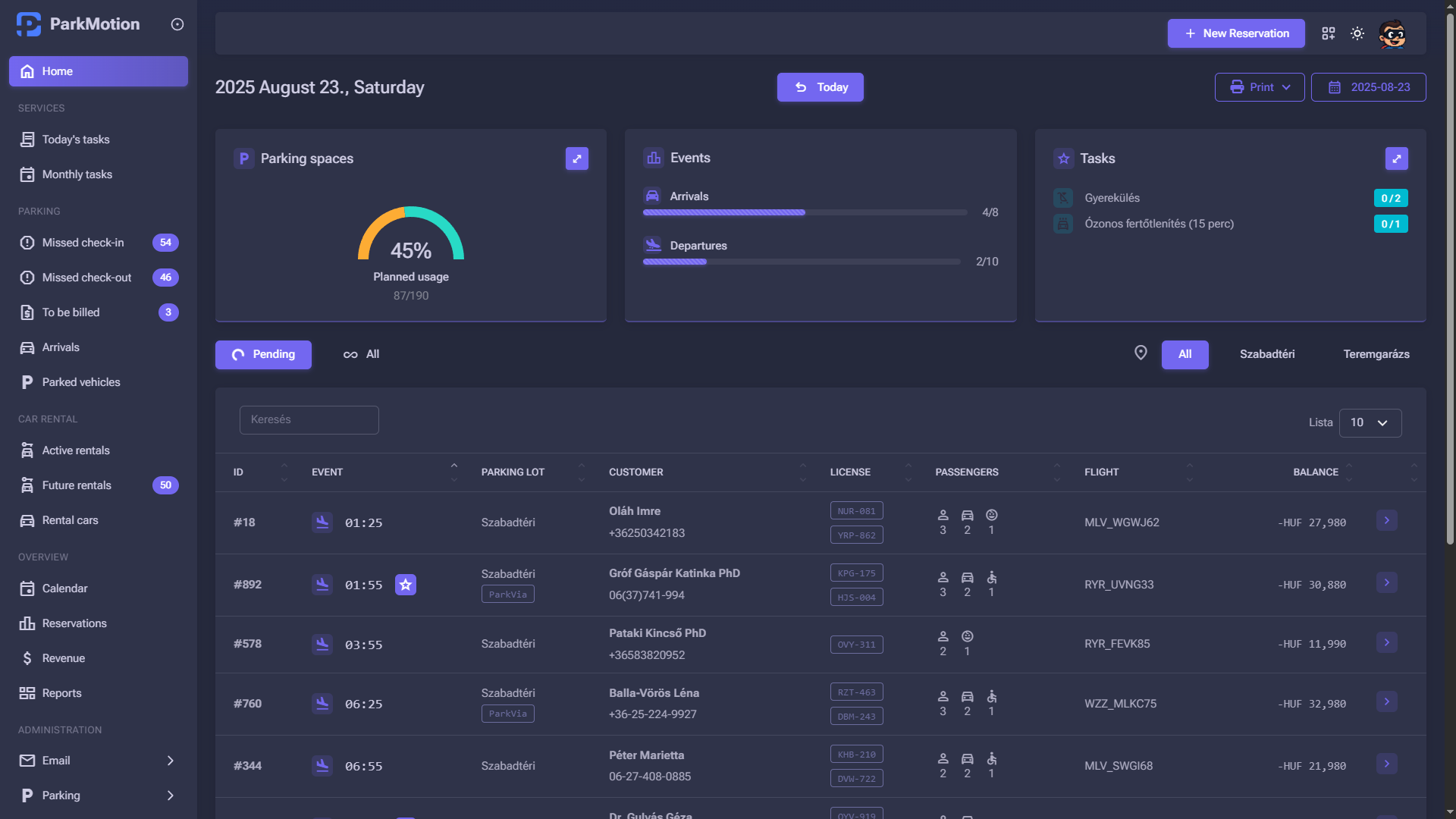
The event list clearly shows clients arriving at and departing from the parking lot, the scheduled time, client’s name and phone number, and outstanding balance.
The origin of the reservation (e.g. ParkVia integration), relevant flight number, and number of people in the transfer are also visible.
The list is filterable and searchable by any data.
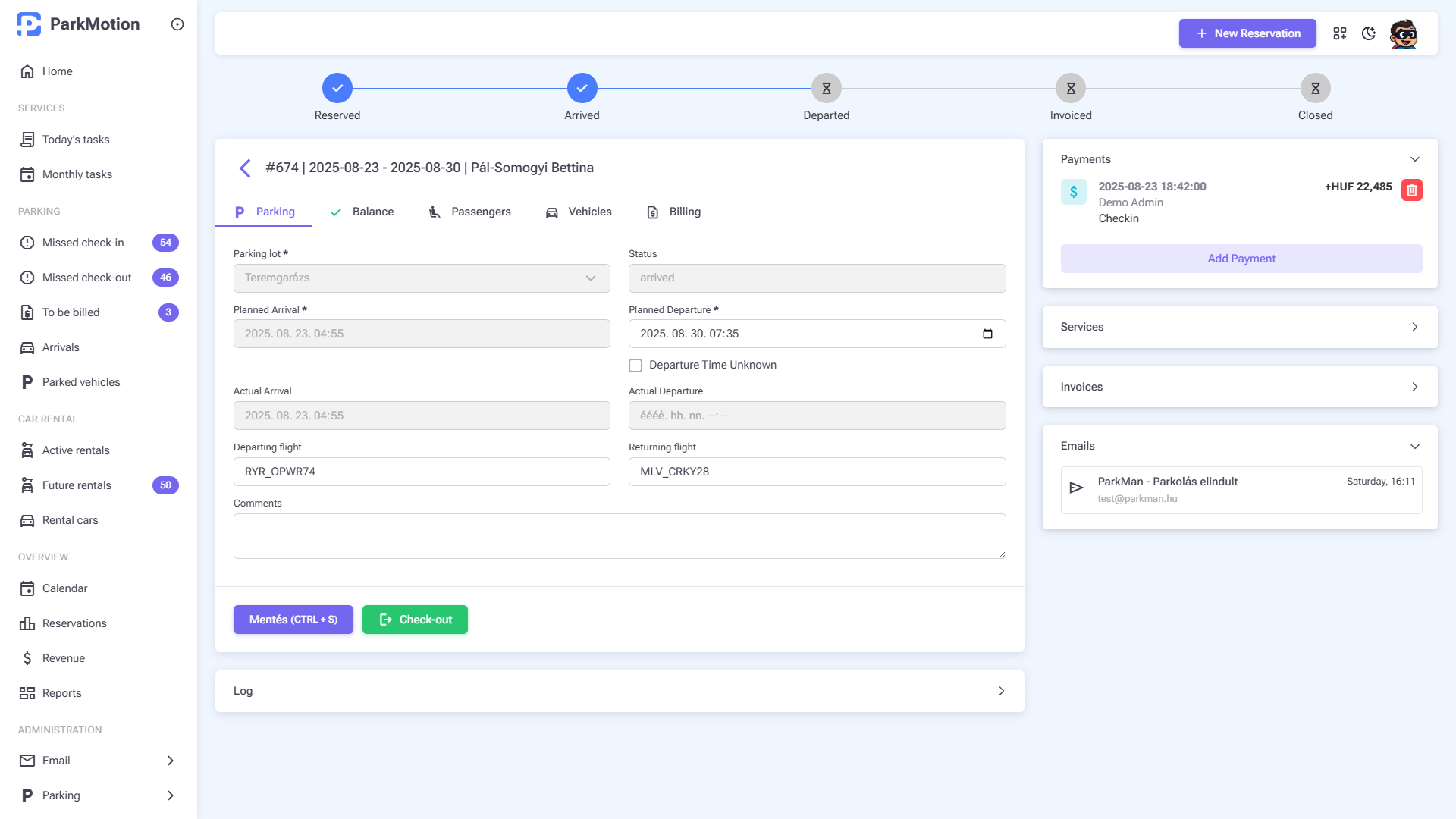
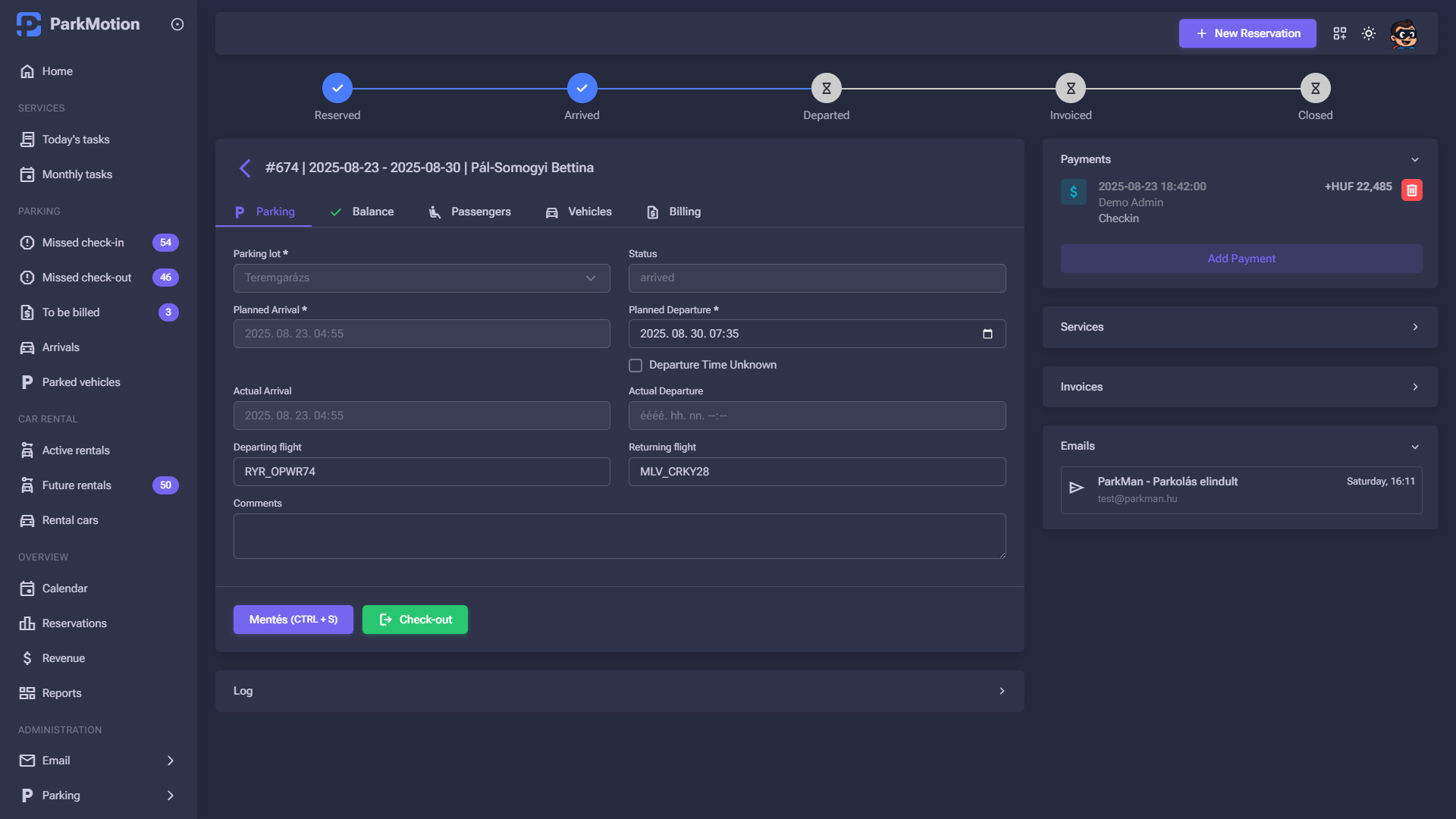
Reservation details
All reservation-related information is displayed in one place, clearly and easily accessible.
You can see the most important details of the parking, payments, and the final balance. Additional services ordered are visible and new ones can be added.
All emails received and sent regarding the specific reservation are also displayed.
FAQ
Frequently asked questions about introducing ParkMotion
Interested in ParkMotion?
Try it for free for 14 days, with no obligation!
Get in touch with us or request a call back!